What Engine Does Resonance Run On?
Zouna
Resonance runs on Zouna, Asobo Studio's proprietary in-house engine. What that means technically, and what Asobo has said about how the game was built.
Info checked · September 5, 2026
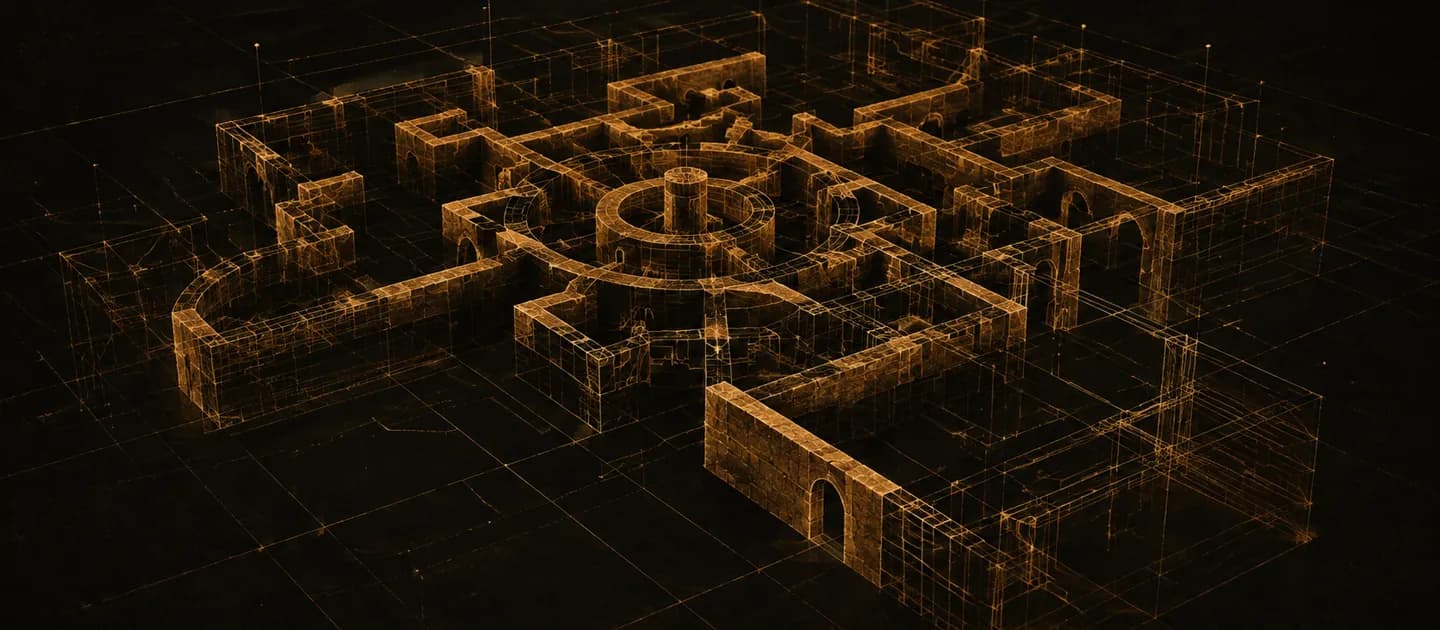
Short answer: Resonance: A Plague Tale Legacy runs on Zouna, Asobo Studio's own proprietary in-house engine, not on Unreal or Unity. Two independent references — Wikipedia and the series community wiki — name Zouna, and the PC requirements are consistent with a modern DirectX 12 renderer: DX12.1 feature level, Shader Model 6.6 and a mandatory SSD.
What Zouna is
Zouna is Asobo's internal technology, developed and maintained by the studio rather than licensed from a third party. That means there is no public SDK, no marketplace of engine plugins and no editor you can download — everything you see in the game was built in a toolchain that only exists inside Asobo.
For a studio the size of Asobo, owning the engine is a strategic choice rather than a technical vanity. It sets what the team can specialise in, and it explains why the mod scene had to invent its own tooling from scratch.
What the engine asks of a PC
The requirements table is the most concrete public evidence of what Zouna does under the hood:
- DirectX 12, with a GPU supporting DX12.1 and Shader Model 6.6. Shader Model 6.6 is a relatively recent requirement and is the reason some otherwise capable older cards fall out of spec.
- A CPU with 4 cores and 8 threads, required rather than recommended. That is a renderer and streaming system designed around parallel work, not a single fast core.
- An SSD, required at both the minimum and recommended tiers, with 75 GB free. Mandatory SSDs usually mean asset streaming with tight latency assumptions.
- 16 GB of RAM at both tiers, which does not move between minimum and recommended.
Those four together describe a modern engine that expects a modern machine even when you turn the settings down. The full tables are on our system requirements page.
Upscaling and frame generation
The game exposes upscaling and a frame generation option in its graphics menu, which is now standard for a DirectX 12 title of this scale. A PC creator demonstrating third-party tooling shows a Frame Generation setting in the menu and reports large frame-rate gains from enabling it at 1080p.
The complete list of natively supported upscalers, and whether DLSS frame generation is offered without third-party injection, is to be confirmed. We are not going to build a support matrix out of one tutorial video.
Is it Unreal Engine 5?
No. Both references we checked name Zouna, and neither mentions a licensed engine. This comes up because most mid-sized 2026 releases are Unreal titles, and because Unreal's public tooling makes modding predictable — neither of which applies here.
The practical difference is exactly that tooling gap. On an Unreal game you would expect familiar config files, known injection points and a mature preset ecosystem. On Zouna, the community had to build its own framework and merger before ordinary resource mods could work at all.
What the presets tell you about scalability
Asobo published a performance target for each preset rather than a bare hardware list: 1080p and 30 FPS on Low for minimum hardware, 1080p and 60 FPS on Ultra for recommended hardware. That is a narrow, honest claim, and it implies a preset ladder that actually spans a range rather than three cosmetic steps.
What it does not do is describe behaviour above 1080p. No official target exists for 1440p or 4K, so how Zouna scales at higher resolutions — and where VRAM becomes the limit — is to be confirmed.
What the mod scene reveals about the engine
Community modding is an unusually good X-ray of a closed engine, and the mods published in the first week say several things clearly.
The game packs modded content into archives that collide with each other — a dedicated merger tool exists specifically so that more than one archive-replacing mod can be installed at once. Runtime modification happens through an ASI-style injection framework built by the community, which is how texture and resource swaps are loaded at all.
Shader compilation is handled through pipeline state objects that can be cached and shipped ahead of time: the most-endorsed performance mod for the Game Pass build is a pre-generated PSO cache that removes traversal stutter. That is characteristic DirectX 12 behaviour, and it points at compilation happening during play rather than entirely up front.
The renderer also carries forced post-processing — sharpening, depth of field, lens flare — plus hidden quality settings for terrain textures and character variety that the default menu does not expose. Both are toggled by community configuration mods, and ShaderToggler works against the game, which means the shader pipeline is legible enough for external tools to hook.
HDR and colour
Zouna's native HDR output has drawn enough criticism to produce a dedicated fix: a RenoDX-style tonemapper replacement that swaps what its author describes as an overly aggressive curve. Several ReShade presets also target the game's green colour grade.
Whether Asobo adjusts the native HDR curve in a patch is to be confirmed. What we can say is that the engine's default tonemapping is the single most-modded piece of its image pipeline.
Asobo's stance on generative AI
Asobo chose not to use generative AI in developing Resonance, seeing it as a threat to creativity and authenticity. Producer Eric Chort framed the use of generative AI as a choice rather than a solution, and specifically rejected it as a way for a team of around 70 people to compete with much larger AAA studios.
That is worth reading alongside the engine question. A studio of that size shipping a technically current DirectX 12 title on its own engine is the same story told twice: control over the toolchain instead of scale.
Why the engine choice matters to you
For most players, the engine name is trivia. It becomes practical in three places: feature-level requirements that decide whether your GPU is eligible at all, shader compilation behaviour that decides whether your frame times are smooth, and the absence of official mod tools that decides how fragile your mod list is.
If you are troubleshooting, that ordering is also a useful checklist. Confirm your GPU meets DX12.1 and Shader Model 6.6, rule out shader-compilation stutter, and only then start blaming raw hardware.
What we could not verify
- The Zouna version used for this game, and which other Asobo titles share it: to be confirmed.
- Ray tracing support, and whether any of it is mandatory: to be confirmed.
- Console renderer differences and performance modes on PS5 and Xbox Series X|S: to be confirmed.
- DRM or anti-tamper technology on the PC build: to be confirmed.
- Whether official modding tools are planned: to be confirmed.
For what the community has actually built on top of the engine, see our mods page.
Keep reading
Resonance: A Plague Tale Legacy System Requirements
PC Specs
Official Steam minimum and recommended specs, plus the SSD, CPU thread and Shader Model requirements most tables leave out.
Read page
PC Mods and Community Fixes
Nexus Mods Snapshot
Combat assists, ultrawide and HDR fixes, the Game Pass stutter workaround, trackers and fan translations — with the risks stated.
Read page